
Download Autodesk SketchBook – digital painting, illustration app, sketching tool, concept art, free art app, mobile drawing, creative tools, Adobe Photoshop compatible, perspective guides, brush customization
Overview
Autodesk SketchBook is a free mobile illustration app developed by Sketchbook, Inc., designed to support digital artists in creating expressive drawings, concept sketches, and detailed illustrations. The app serves as a portable creative studio, enabling users to capture ideas instantly and refine them into polished artwork. It is particularly suited for artists, designers, and concept creators who require a powerful yet accessible tool for on-the-go creativity.
The app supports multiple layers, allowing complex compositions to be built with precision, and offers compatibility with Adobe Photoshop (.PSD) files—making it a valuable tool for professionals integrating mobile work into desktop workflows. Its core purpose is to streamline the entire creative process, from initial ideation to final output, all within a single application. Real-world use cases include rapid prototyping for product design, storyboarding for animation, and personal sketching for artistic expression.
The app’s integration of perspective guides, customizable brushes, and canvas tools enhances its utility for technical and artistic drawing alike. As a free tool with robust functionality, it fills a critical gap in the mobile art ecosystem by offering professional-grade features without cost. The developer did not provide additional technical details about the app’s underlying architecture or development philosophy.
However, its widespread adoption across Android and iOS platforms indicates strong user trust and utility in creative workflows.
Key Features & Functionality
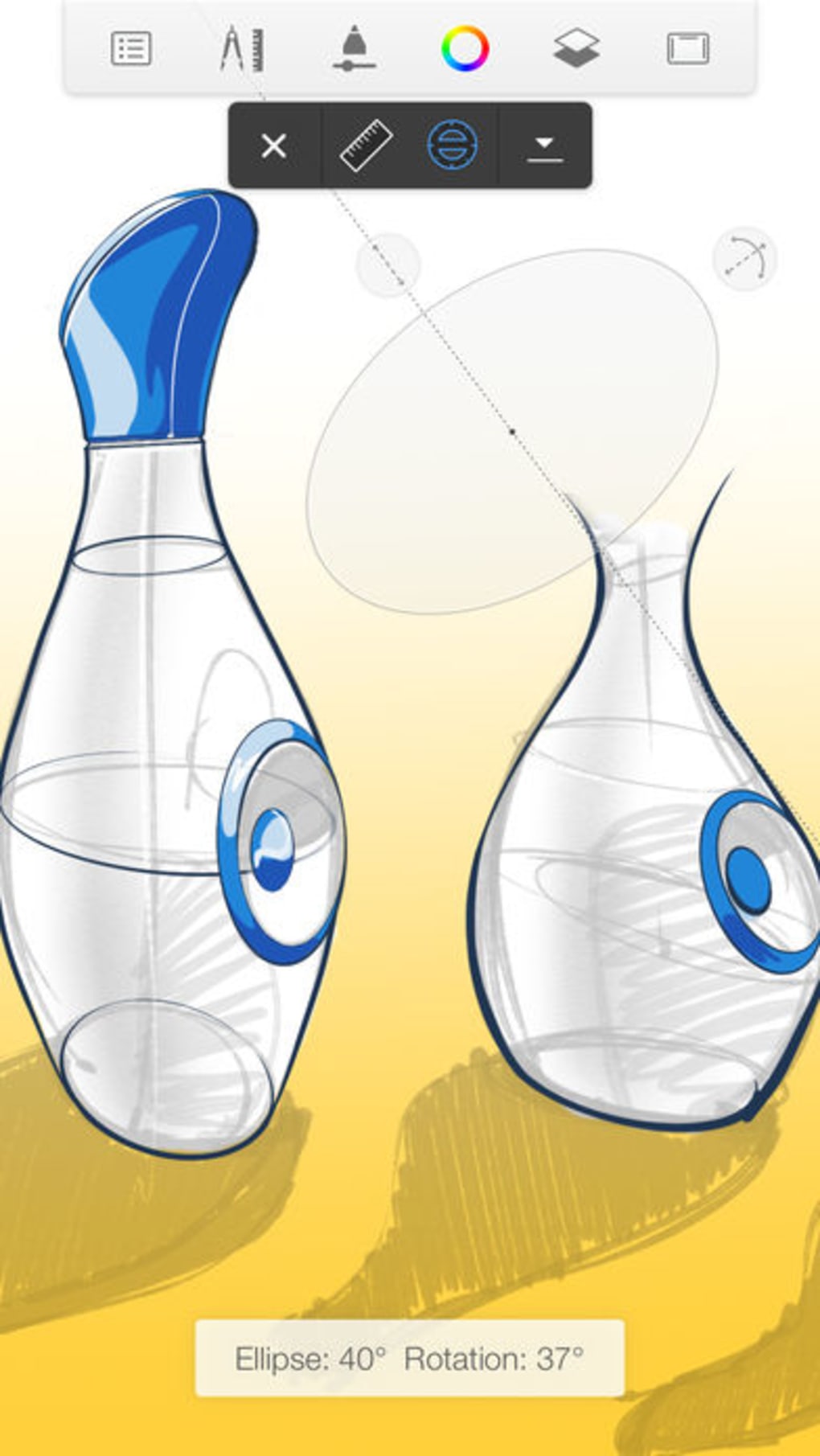
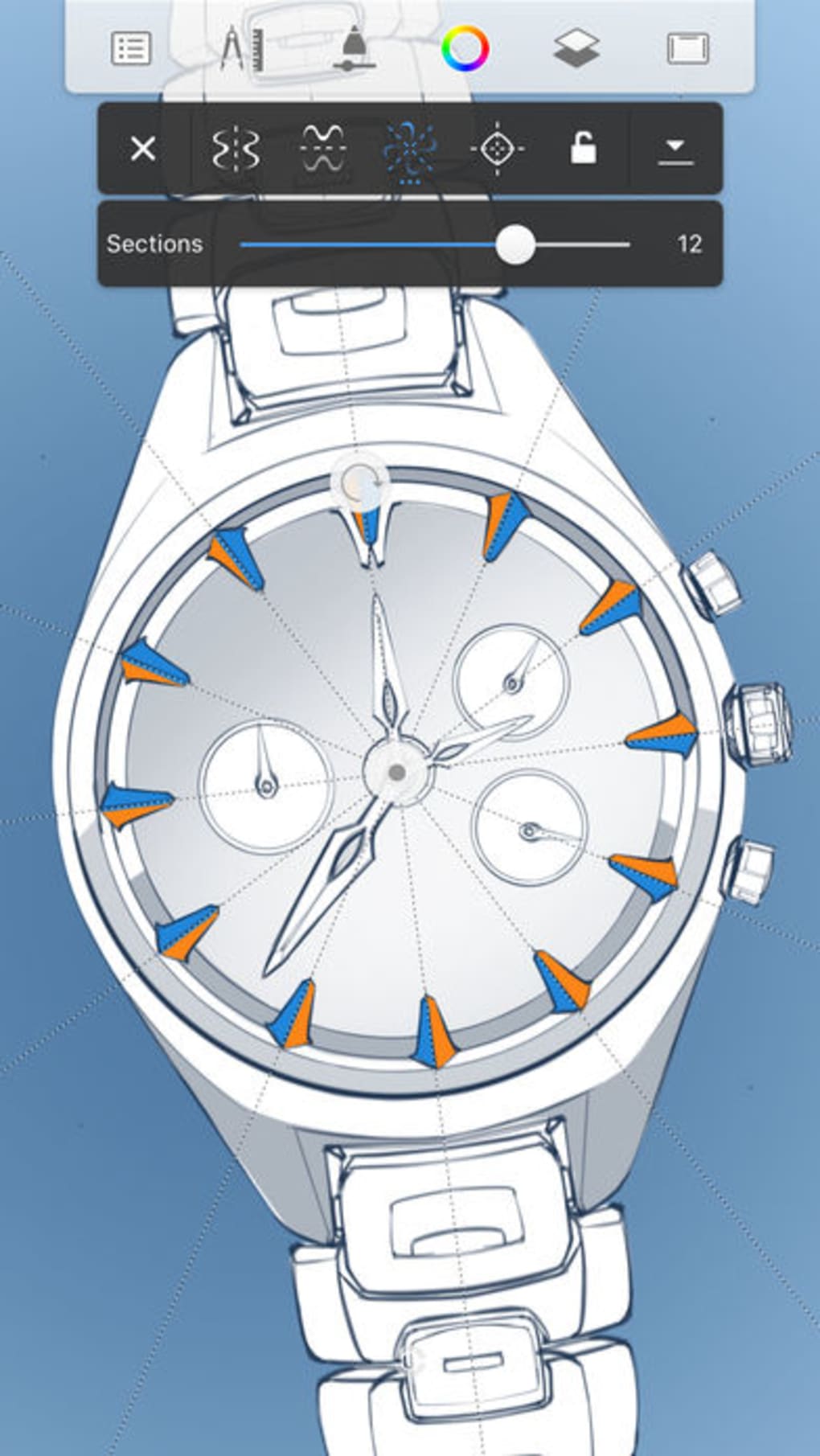
- Perspective Guides: Enables users to draw in one, two, or three-point perspective with snapping toggles, vanishing point locks, and horizon line visibility controls—ideal for architectural and character design.
- Layer Support: Allows users to work with multiple layers, facilitating non-destructive editing and complex image composition.
- Adobe Photoshop (.PSD) Compatibility: Projects can be exported or imported in PSD format, enabling seamless integration with desktop design workflows.
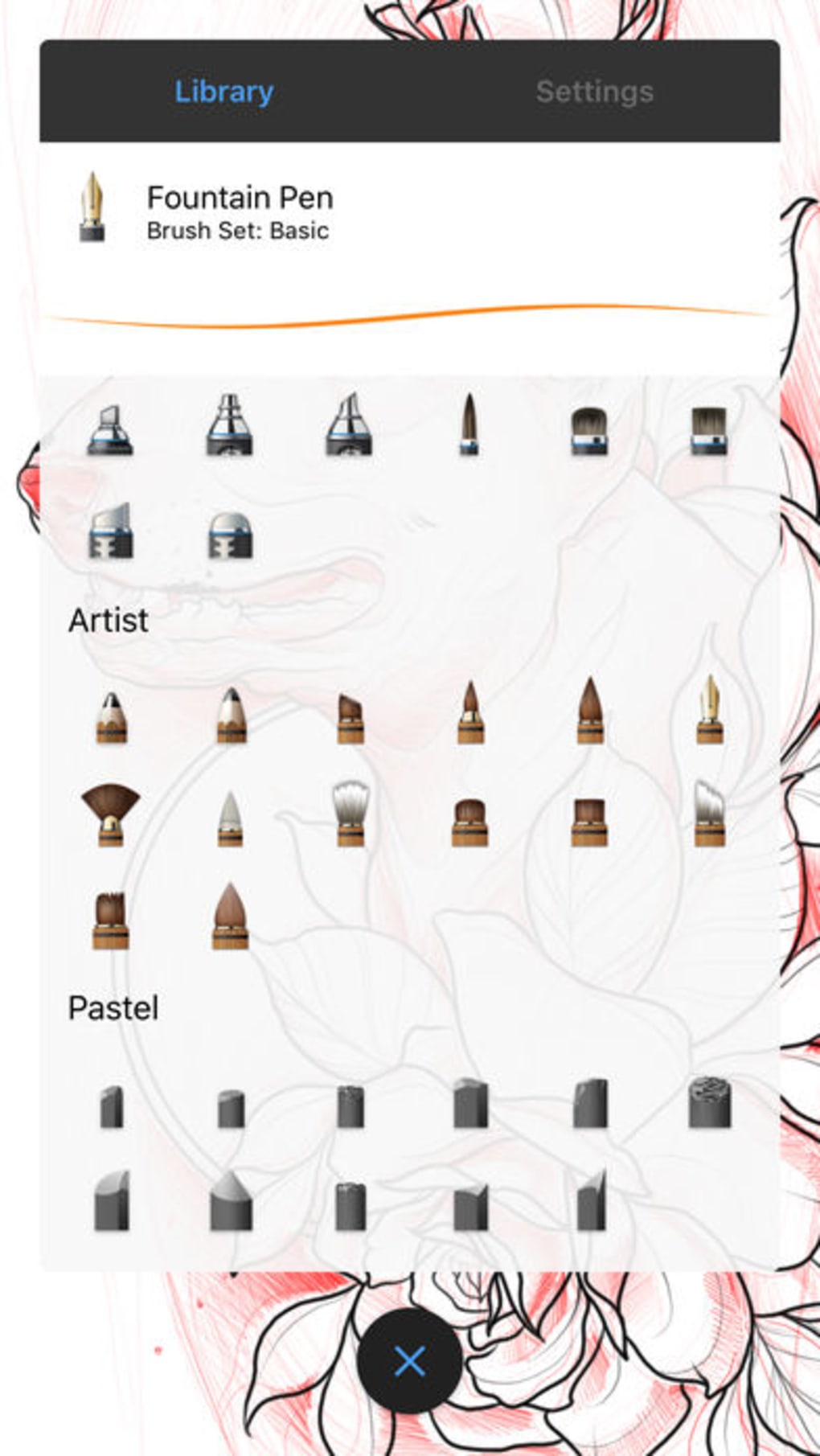
- Customizable Brushes: Offers preset and user-defined brushes with adjustable pressure sensitivity and texture, supporting diverse artistic styles.
- Grid and Ruler Tools: Includes Infinite, Constrained, and Custom Grids, along with a curve ruler for precise drawing of complex shapes and curves.
- Flipbook and Animation Support: Allows users to create simple animations and flipbooks directly within the app, expanding its utility beyond static illustrations.
These features are designed to meet real-world creative needs. For example, a concept artist can use perspective guides to sketch a character in a dynamic scene, layer details such as lighting and textures, and then export the work in PSD format for further refinement in a desktop editor. A student might use the curve ruler to draw accurate mechanical parts or architectural details.
The ability to create flipbooks supports animators in developing frame-by-frame sequences without switching to external software. The app’s intuitive layout ensures that each tool is accessible, reducing the learning curve for new users. Although the developer did not list formal performance metrics, the app’s design suggests optimization for efficient rendering on mobile devices.
Interface, UX & Performance
The interface of Autodesk SketchBook is clean and focused, prioritizing visual clarity and tool accessibility. The workspace dynamically adapts to the screen, maximizing the visible canvas area while keeping essential tools within easy reach. Navigation is streamlined through a minimalistic toolbar that organizes functions by category—drawing, layer management, perspective, and file handling.
The app uses a gesture-based system for common actions, such as pinching to zoom and swiping to switch tools, which enhances usability across touch devices. Users can customize the layout to suit their workflow, although specific customization options were not detailed. Responsiveness is generally strong, with minimal lag during drawing and layer manipulation.
The app maintains stability during extended sessions, though some users may notice minor discrepancies between the on-screen work-in-progress (WIP) and the final exported file in terms of quality and dimension. The developer did not specify minimum OS requirements or performance benchmarks, but the app’s file size of 104.2 MB suggests efficient resource usage. Overall, the UX is designed for speed and precision, aligning with the needs of artists who value workflow efficiency and creative flow.
Platform Compatibility & Technical Requirements
Autodesk SketchBook is available on both Android and iOS platforms, ensuring broad accessibility for mobile users. The current version is 2023.2.2, and the app has a file size of 104.2 MB. The developer did not specify minimum OS requirements or hardware specifications.
Compatibility information was not fully disclosed, so users are advised to check their device’s app store listing for up-to-date system compatibility. The app is free to download and use, with no in-app purchases or subscription models reported. It supports file formats including Adobe Photoshop (.PSD), making it suitable for cross-platform workflows.
The absence of detailed technical requirements means users should rely on official store listings to confirm suitability for their devices. No additional permissions or background processes were mentioned in the provided data.
Pros and Cons
Pros
- Free to download and use with no hidden costs
- Supports Adobe Photoshop (.PSD) file format for seamless desktop integration
- Comprehensive toolset including perspective guides and customizable brushes
- Efficient interface optimized for mobile screen space
- Offers animation and flipbook creation capabilities
Cons
- Some discrepancies between work-in-progress (WIP) and final exported file quality
- Developer did not provide detailed system requirements
- Limited information on performance optimization for older devices
- File size may be large for users with limited storage
- No visible indication of update frequency or development roadmap
FAQ
Is Autodesk SketchBook safe to download?
Yes, the app is published by Sketchbook, Inc., and is available through official app stores for Android and iOS. It is free from malware and does not require third-party sources.
Can I use Autodesk SketchBook on both Android and iOS?
Yes, the app is available on both Android and iOS platforms, allowing users to access it across different device ecosystems.
Does Autodesk SketchBook support Adobe Photoshop files?
Yes, the app supports importing and exporting files in the Adobe Photoshop (.PSD) format, enabling integration with desktop design workflows.
Are there any in-app purchases or subscriptions?
Based on the provided information, the app is free to download and use with no reported in-app purchases or subscription models.
How often is the app updated?
The latest version is 2023.2.2, released on 2023-03-15. Specific update frequency was not disclosed by the developer.
Final Thoughts + CTA
Autodesk SketchBook stands out as a powerful, free mobile illustration tool that brings professional-grade features to smartphones and tablets. With its robust support for layers, perspective guides, and PSD compatibility, it caters to both amateur artists and seasoned designers who value portability and functionality. The intuitive interface ensures a smooth experience, while tools like customizable brushes and the curve ruler empower users to create precise, expressive artwork.
Though minor inconsistencies in exported file quality may affect some users, the app’s overall performance and feature set remain impressive. It is especially beneficial for concept artists, illustrators, and students who need a reliable, all-in-one solution for sketching, detailing, and animating on the move. Its free status makes it one of the most accessible creative tools in the mobile space.
Download Autodesk SketchBook now and transform your mobile device into a full-featured digital art studio.







